
Notification channels
Add email or webhook alert channels, then attach them to notification rules.
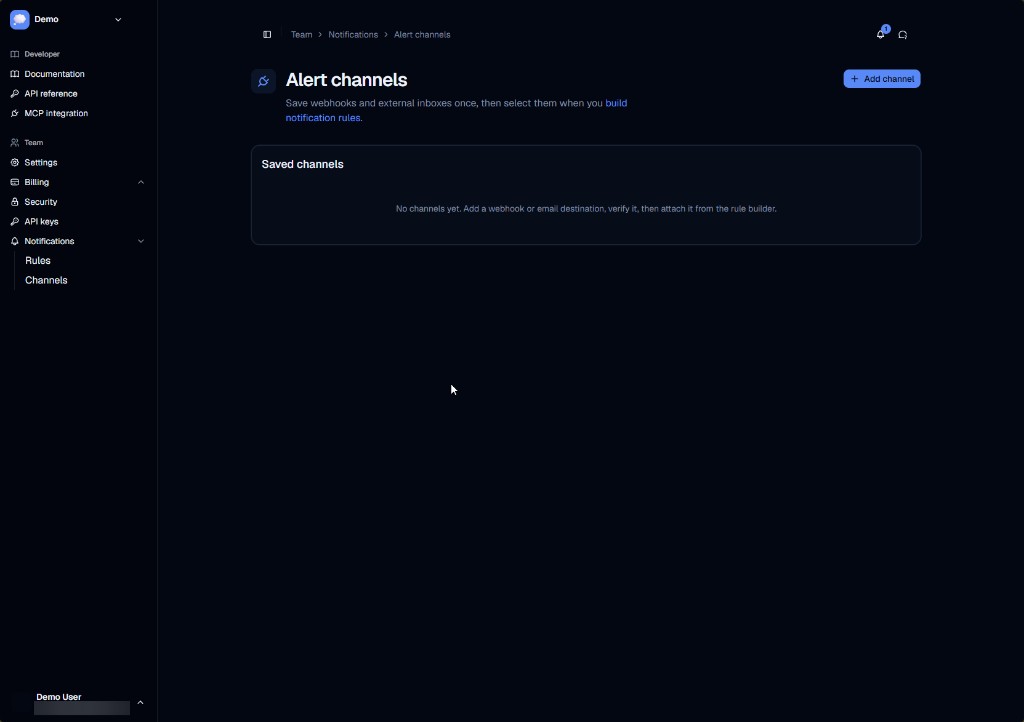
Alert channels are delivery targets for notification rules. Manage them at Team → Notifications → Channels.
The page title in the app is Alert channels. Save webhooks and external inboxes once, then select them when you build rules.
| Type | Config | Typical use |
|---|---|---|
| Destination email address | Human alerts | |
| Webhook | HTTPS URL | Automations, Slack bridges, custom services |
Exact available types depend on your deployment. Labels in the UI match the configured channel types.
If the list is empty, the page prompts you to add a webhook or email destination, verify it, then attach it from the rule builder.
Attach the channel to one or more notification rules.